
Signed in but the channel list is empty?
Passing the login screen does not prove that a playlist loaded successfully. Start with the selected view and filters before removing account data.
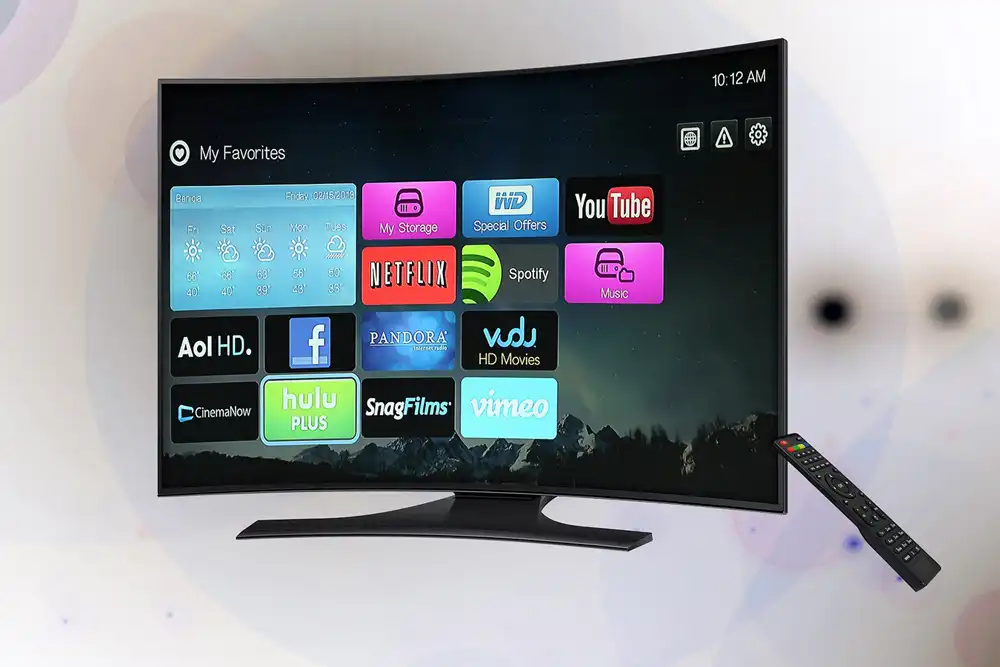
Inspect the view and category filters
You may be looking only at favourites or one category. Return to the main list, clear the search box and review hidden-category settings if available. An unconfigured favourites view may simply have no saved items. Read any loading message so that you can distinguish an empty selection from a failed download.
Confirm the login format and account status
Check whether you used a playlist URL or separate server credentials, and whether those match the app’s requested fields. Ask support to confirm the access status and term. If the screen actually reports HTTP 401 or 403, these relate to authentication or access permission, but do not establish the underlying reason by themselves. MDN: HTTP response status codes
Record the state before reinstalling
If the app offers a refresh-list command, try it once and note the outcome. Understand the effect on favourites and settings before clearing data. Tell support whether the list has always been empty or disappeared after previously working. Keep the complete access URL and password out of any screenshot you attach.
Your practical checklist
- Search and category filters
- Main list rather than empty favourites
- Login method and account term
- Exact list-loading message
Sources and scope
This guide was prepared with AI assistance. It is not an independent device test or performance measurement. Technical instructions are limited to the scope of the linked documentation; menus may vary by model and version. The image is illustrative.
- MDN: HTTP response status codes — primary technical source.
- maxstream.pro plan and usage information
- Publisher and support information