
Protecting your IPTV login and playlist URL
Access information may be stored in a password field or inside a long playlist URL. Treat that URL as sensitive rather than as an ordinary link you can post publicly.
Store access information securely
Keep usernames, passwords and playlist addresses in a trusted password manager or another appropriately protected record. Do not leave an open note on a shared computer. When someone helps with TV setup, check which fields are visible. Avoid uploading the playlist to a publicly accessible file-sharing link.
Verify unexpected messages independently
Google’s phishing guidance warns against entering passwords through deceptive message links. Reach maxstream.pro through the support link on its own website. A familiar logo or display name is not enough to identify the sender. Verify an urgent payment or access-renewal request through that known route before acting. Google: avoid phishing attempts
Renew exposed access information
Removing a public screenshot helps but cannot prove nobody copied it. Ask support about replacing access credentials and checking active sessions. If you reused the same password elsewhere, change it through each service’s official account page too. You can preserve a screenshot of a suspicious message without opening the links it contains.
Your practical checklist
- Playlist URL stored securely
- Support reached through a known address
- Shared devices signed out
- Exposed credentials renewed
Sources and scope
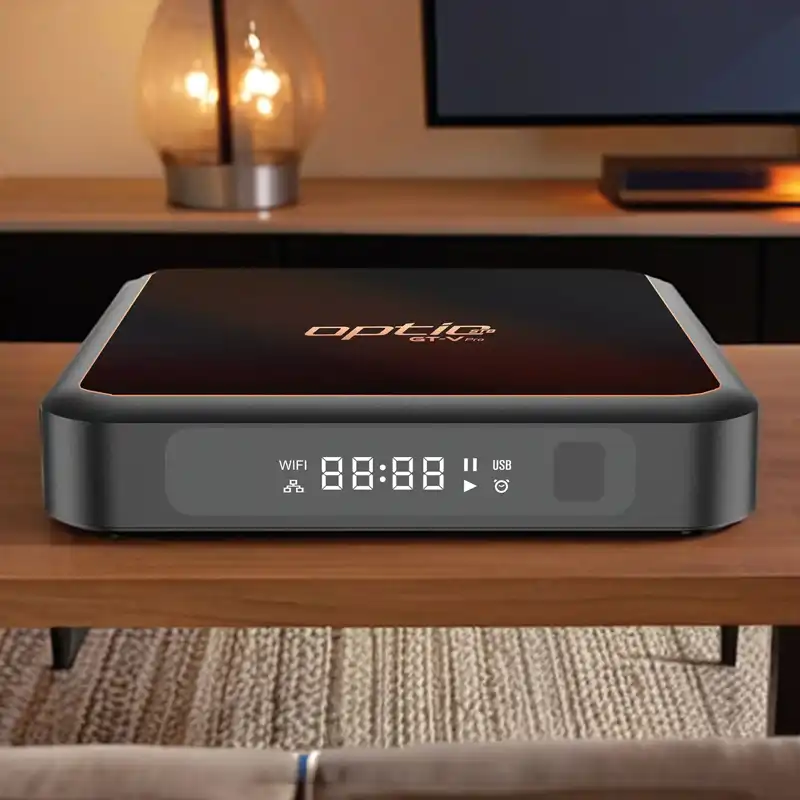
This guide was prepared with AI assistance. It is not an independent device test or performance measurement. Technical instructions are limited to the scope of the linked documentation; menus may vary by model and version. The image is illustrative.
- Google: avoid phishing attempts — primary technical source.
- maxstream.pro plan and usage information
- Publisher and support information