
The 4K streaming chain: source, player and screen
A television labelled 4K does not make every video you open a 4K source. Assess each stage between the content and the display separately.
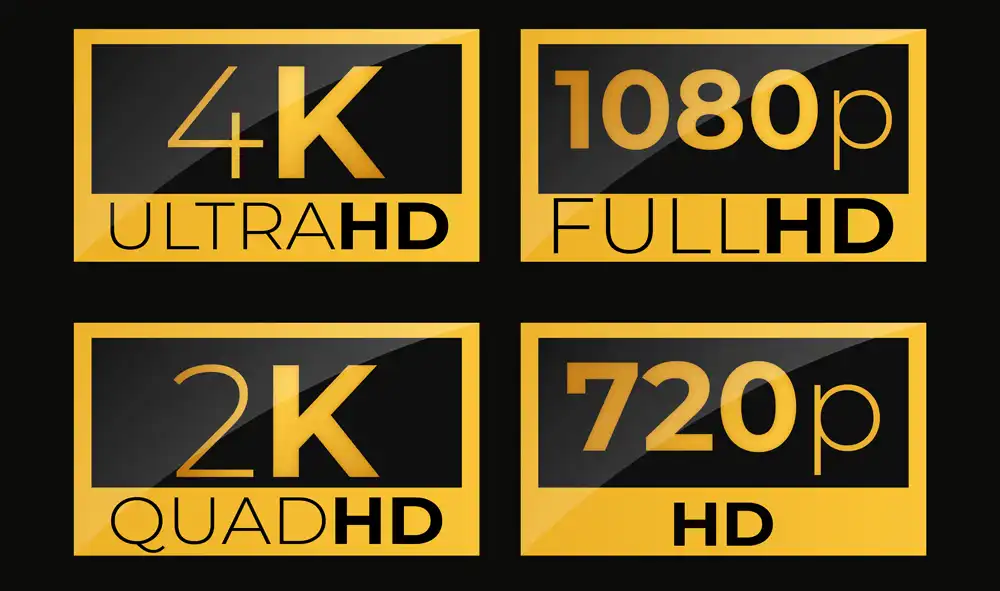
Separate panel resolution from the incoming stream
The screen’s resolution and the video’s resolution describe different things. A lower-resolution image can be scaled to fill the screen without becoming a native 4K source. If the player exposes technical information, inspect it. “4K” in a channel name is not itself a measurement of the current stream.
Check the rest of the playback chain
With an external device, the television input, cable and output setting also matter. Codec support is another requirement; MDN describes how video-format support varies between playback environments. A plan name alone cannot establish an identical result on every device. MDN: video codec guide
Base the decision on your own viewing
Observe motion and darker scenes on your actual screen. Alongside resolution, consider compression artefacts, movement and sound stability. No verified blanket claim that every maxstream.pro item is 4K is made here. Ask about the programme you want and inspect it during the trial on the device you will continue to use.
Your practical checklist
- Display resolution
- Actual source information
- Device, input and cable compatibility
- Trial with the intended content
Sources and scope
This guide was prepared with AI assistance. It is not an independent device test or performance measurement. Technical instructions are limited to the scope of the linked documentation; menus may vary by model and version. The image is illustrative.
- MDN: video codec guide — primary technical source.
- maxstream.pro plan and usage information
- Publisher and support information